Press kit
Everything you need to write about VisualGIG.
Use the assets below freely in coverage of the app. For anything else — review builds, interviews, a specific screenshot — write to me at press@visualgig.app.
The facts
- Name
- VisualGIG — one word, capital V, capital GIG
- Tagline
- Cue your show.
- Subtitle
- Cue pads for the stage
- One line
- Backing tracks, samples and FX fired from the iPhone, the Apple Watch or any MIDI controller.
- Version
- 1.2
- Platform
- iPhone, iOS 17.6 or later; Apple Watch, watchOS 10 or later (app included)
- Pricing
- Free. PRO subscription (monthly or annual) for the Apple Watch remote and MIDI controller firing
- Developer
- Aloisio Mello, guitarist in Over Rage
- Built in
- SwiftUI
- Privacy
- No account, no upload, audio stays on the device
Three lines you can quote
English
- “VisualGIG is the cue pad app for the stage: backing tracks, samples and FX fired from the iPhone, the Apple Watch or any MIDI controller.”
- “Built by a touring guitarist after losing a show to a laptop crash.”
- “Live mode locks the grid during the show; nothing, not even a lapsed subscription, interrupts a performance.”
Português (Brasil)
- “VisualGIG é o app de cue pads para o palco: backing tracks, samples e efeitos disparados do iPhone, do Apple Watch ou de qualquer controlador MIDI.”
- “Feito por um guitarrista de estrada depois de perder um show por um laptop travado.”
- “O modo Live trava a grade durante o show; nada, nem uma assinatura vencida, interrompe uma performance.”
Boilerplate
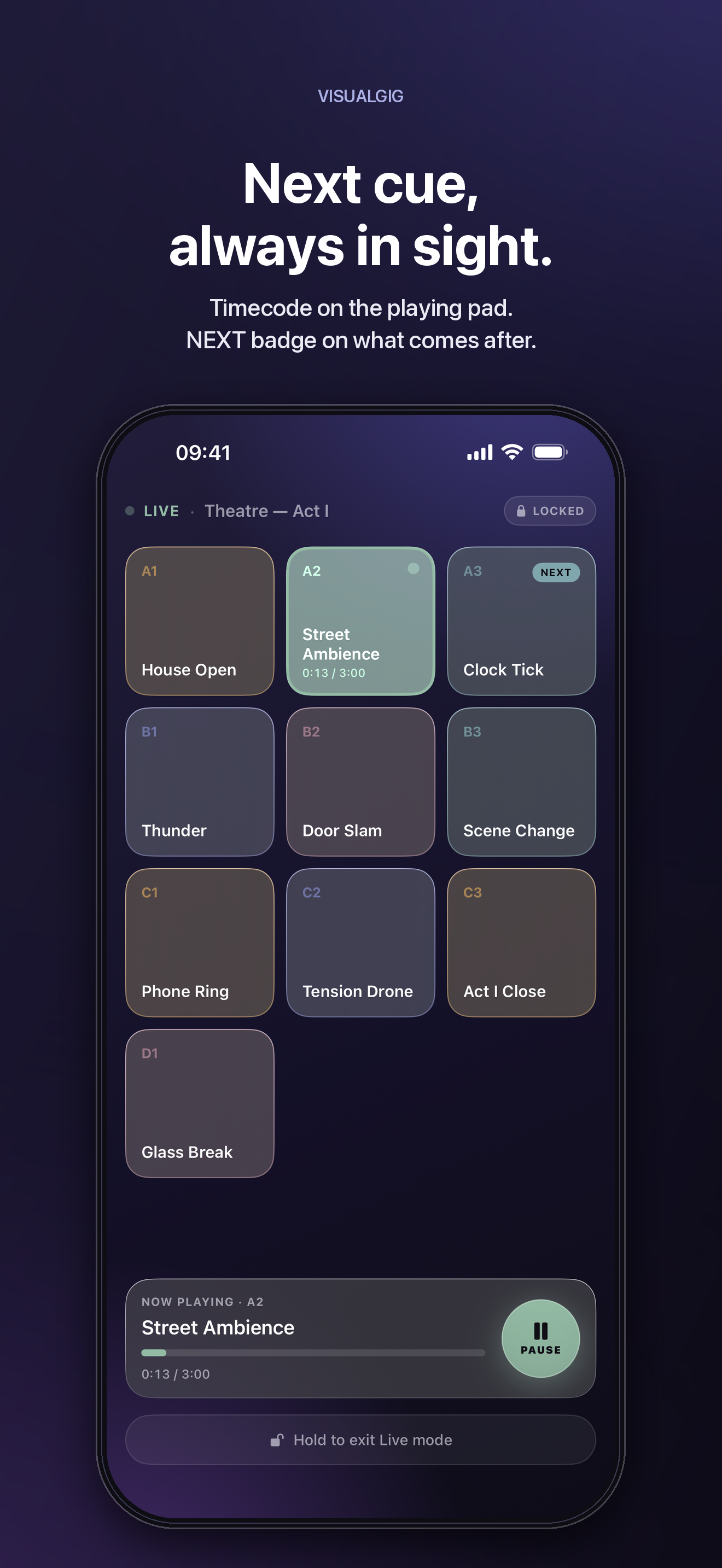
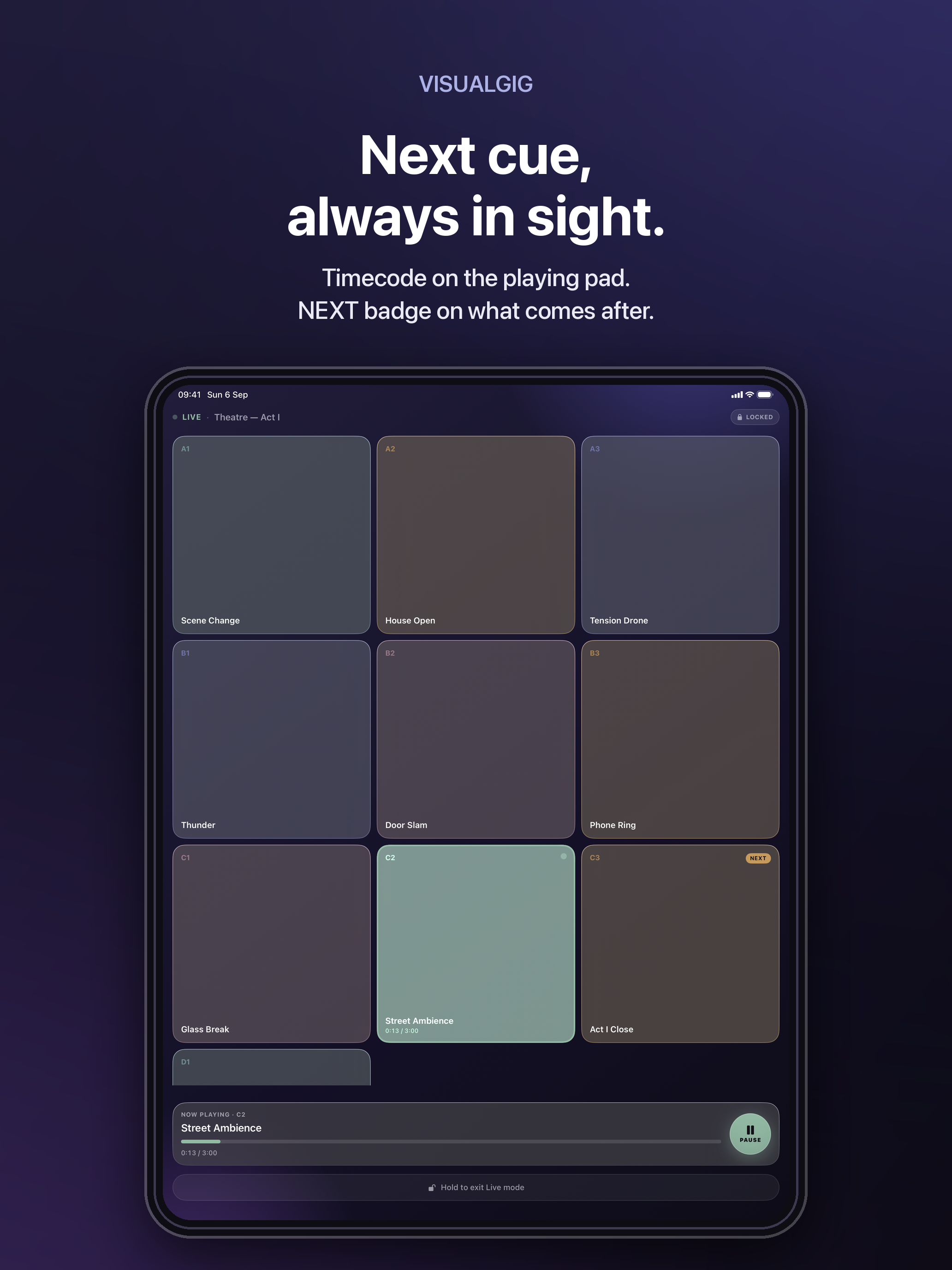
VisualGIG is cue pads for the stage. It gives performers, worship teams and event operators a grid of pads they can hit under stage lighting, fired from the iPhone, the Apple Watch or any MIDI controller, and a locked Live mode designed so a stray touch cannot interrupt the show.
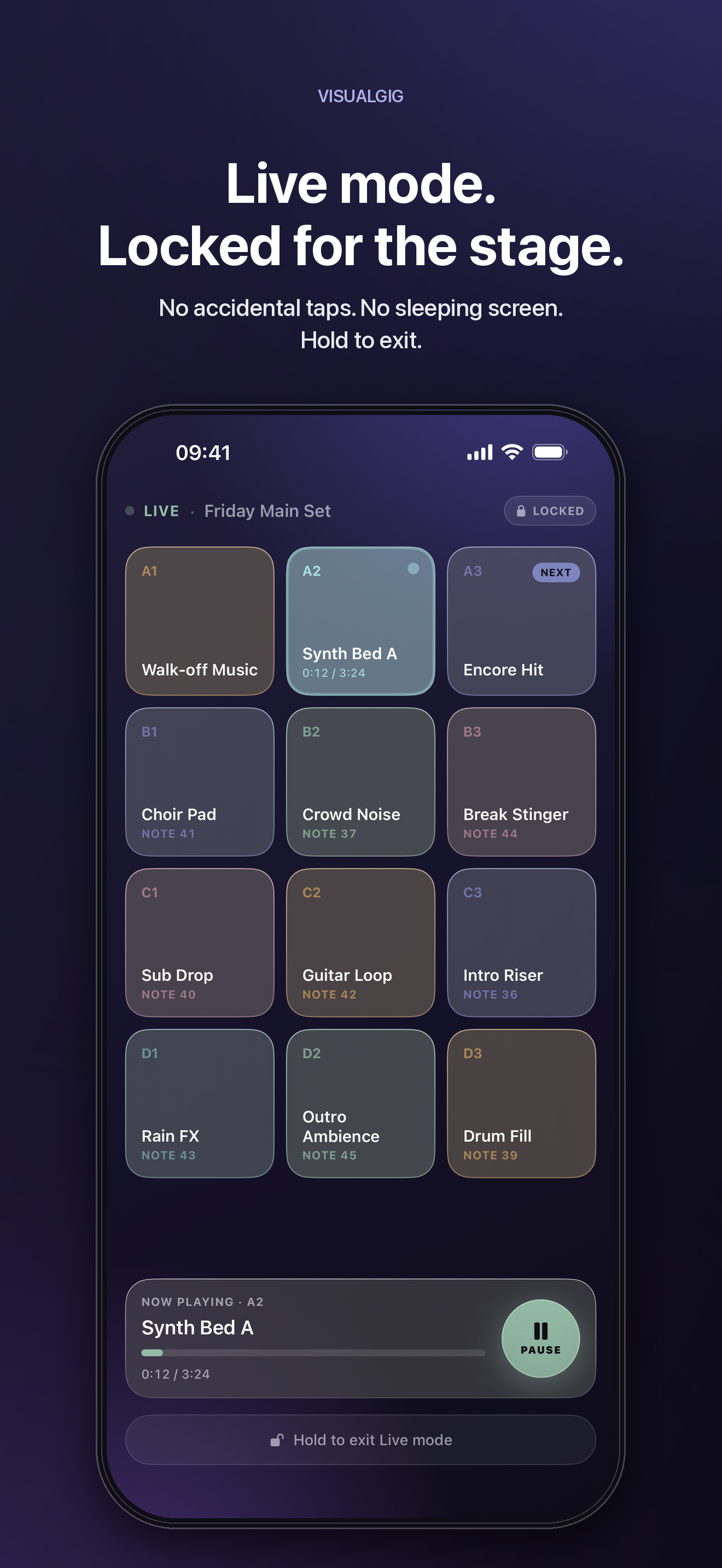
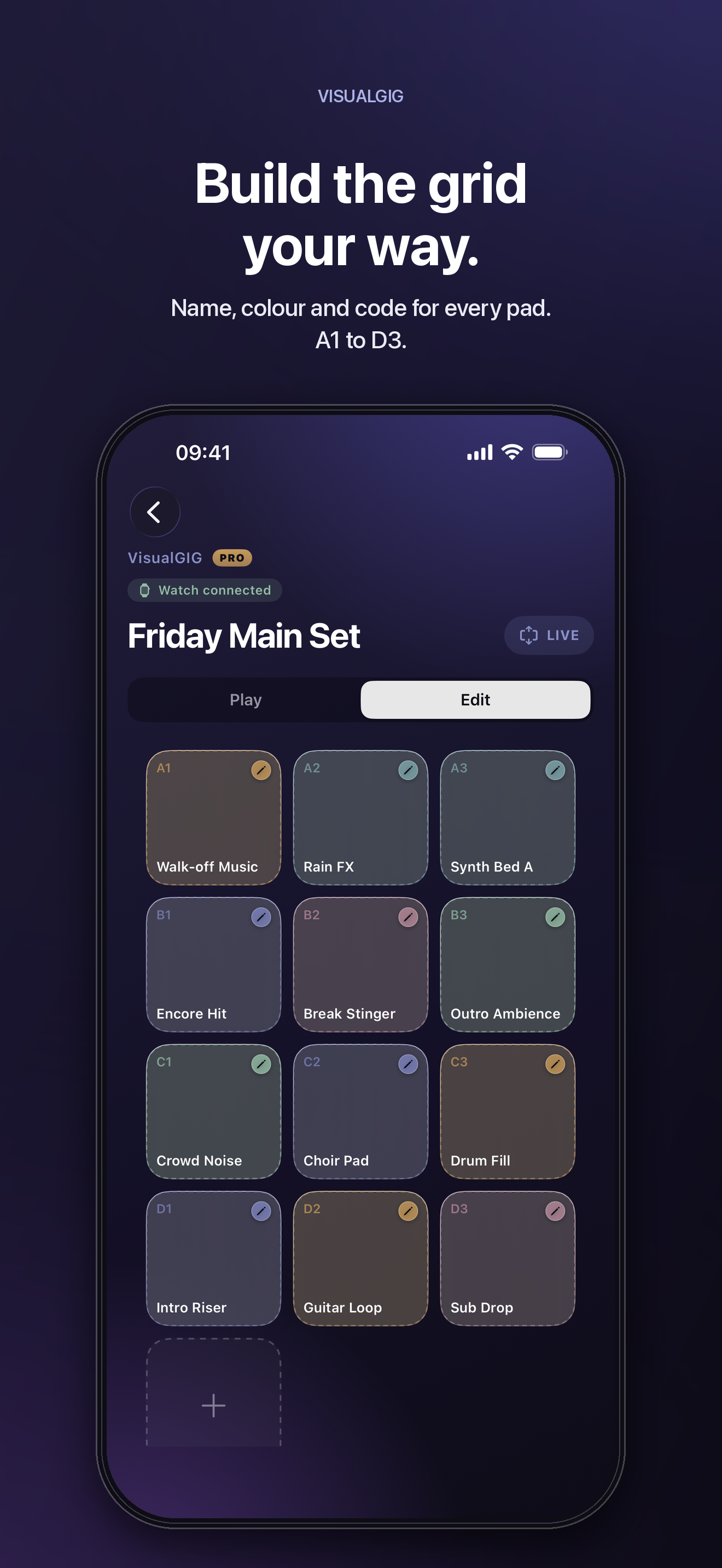
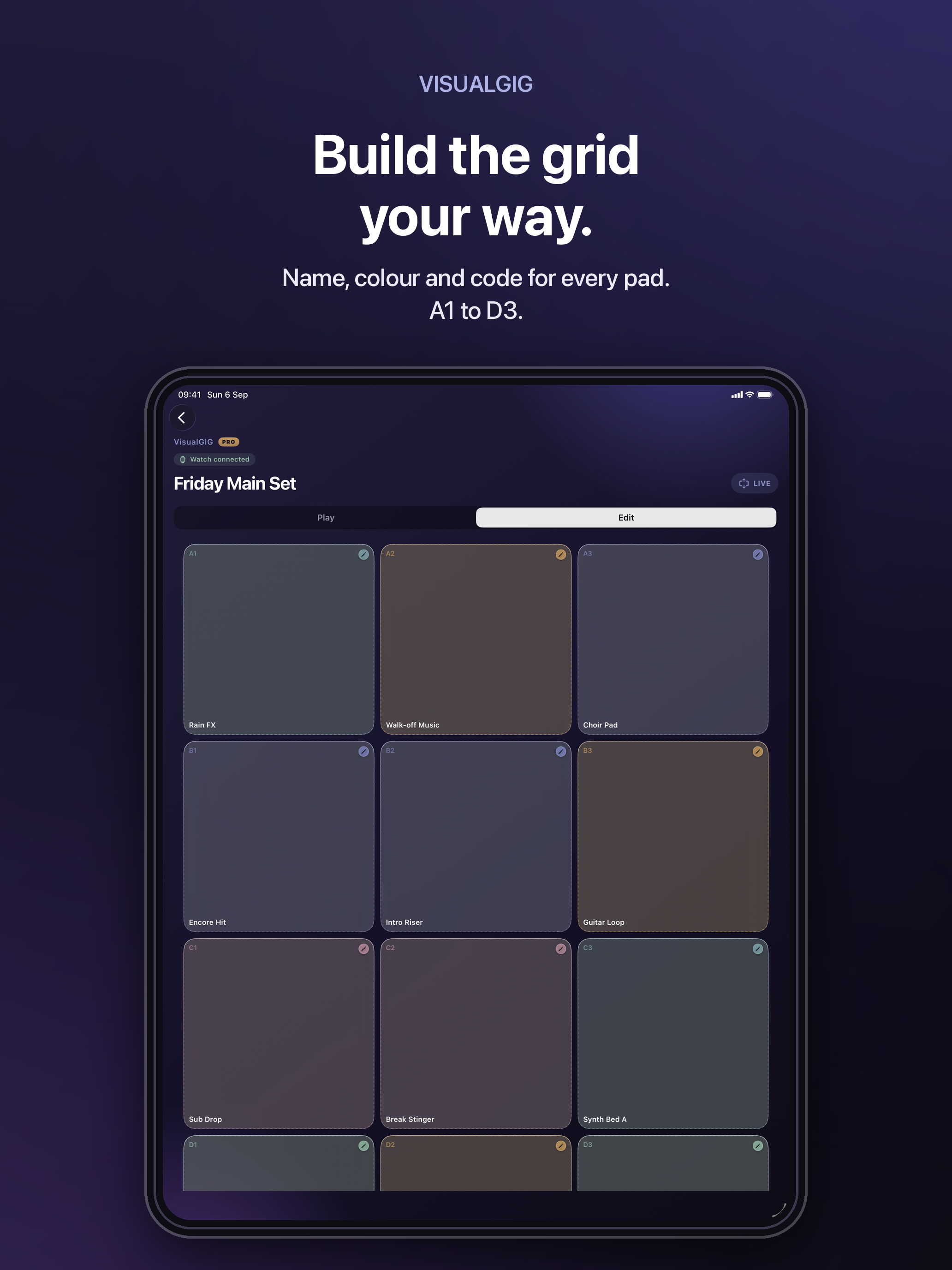
Longer: VisualGIG puts your show’s audio on a grid of pads you can read at a glance and hit without looking. Build a set for each gig, drop in your own WAV, AIFF, MP3 or M4A files, name and colour each pad, then switch to Live mode — a locked performance view with nothing editable, one large stop control, and a deliberate hold gesture to leave. PRO adds the Apple Watch remote and firing from any USB or Bluetooth MIDI controller. Everything stays on your device.
Logos
Keep clear space on all sides equal to the height of the mark, and scale proportionally. Do not recolour the accent stroke, set “VG” in a typeface as a substitute, or add effects.





Colour
Indigo #7D84BE
Primary accent
Sage #93BBA4
Live, playing, go
Amber #C69A5C
Set accent
Rose #B58A9A
Set accent
Teal #7FA6AC
Set accent
Background #15122A
Surface
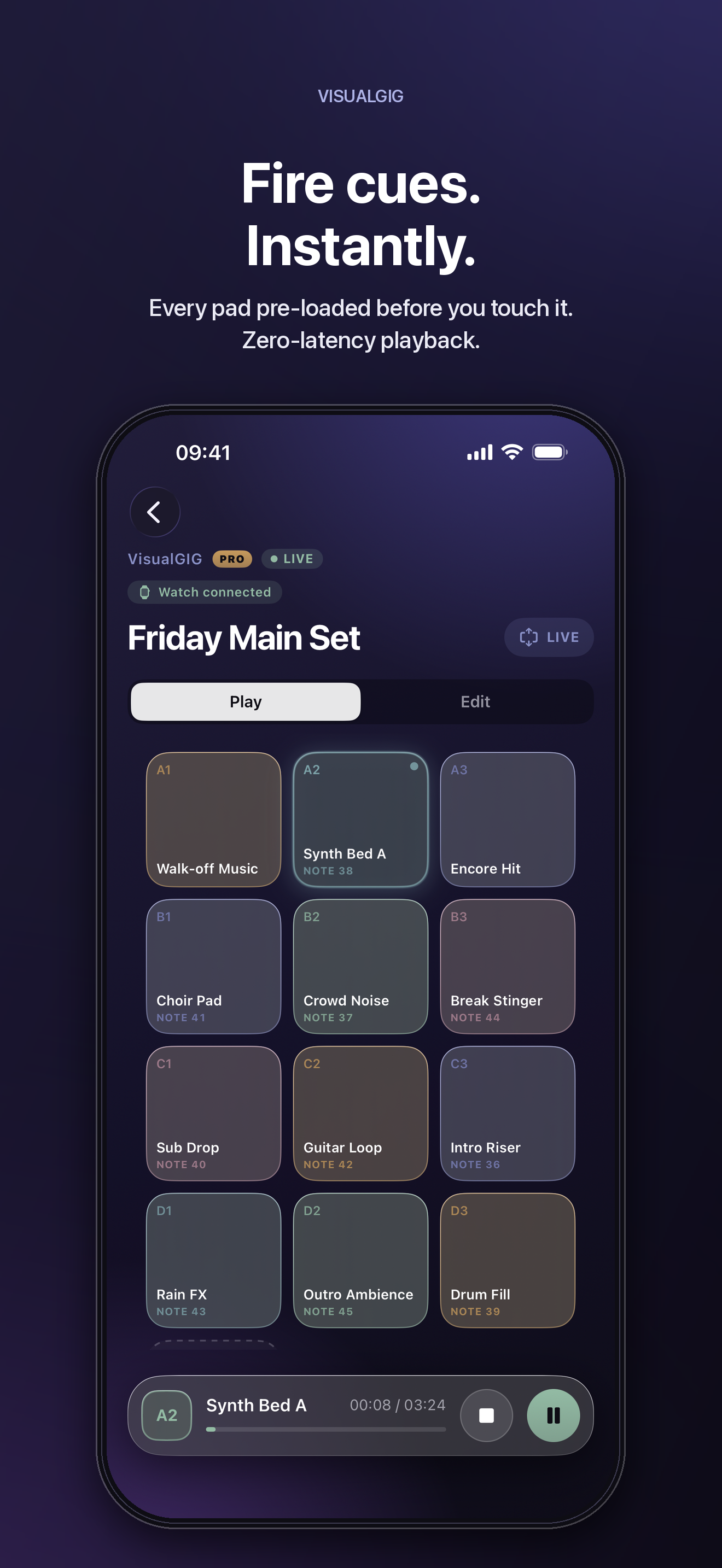
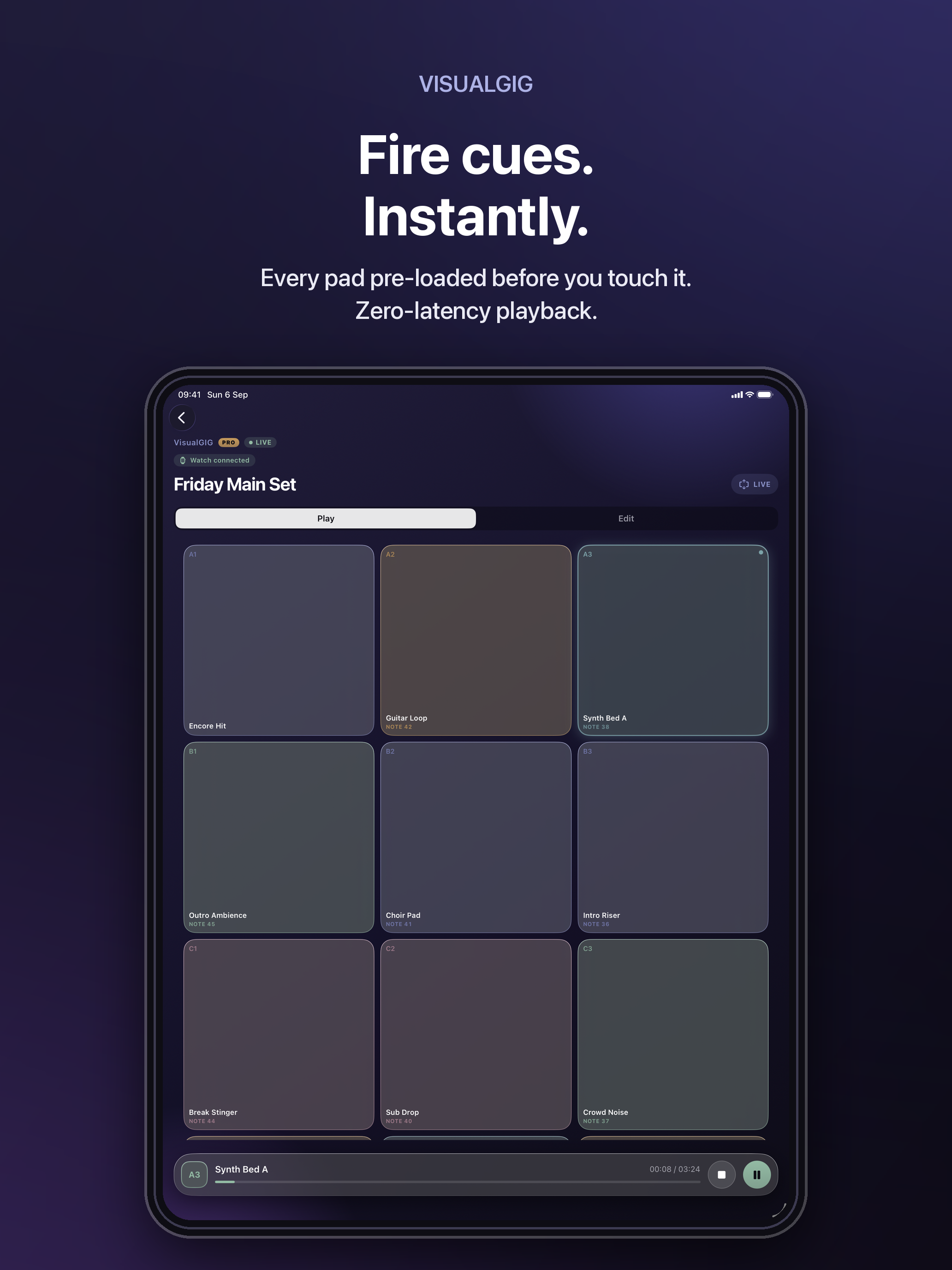
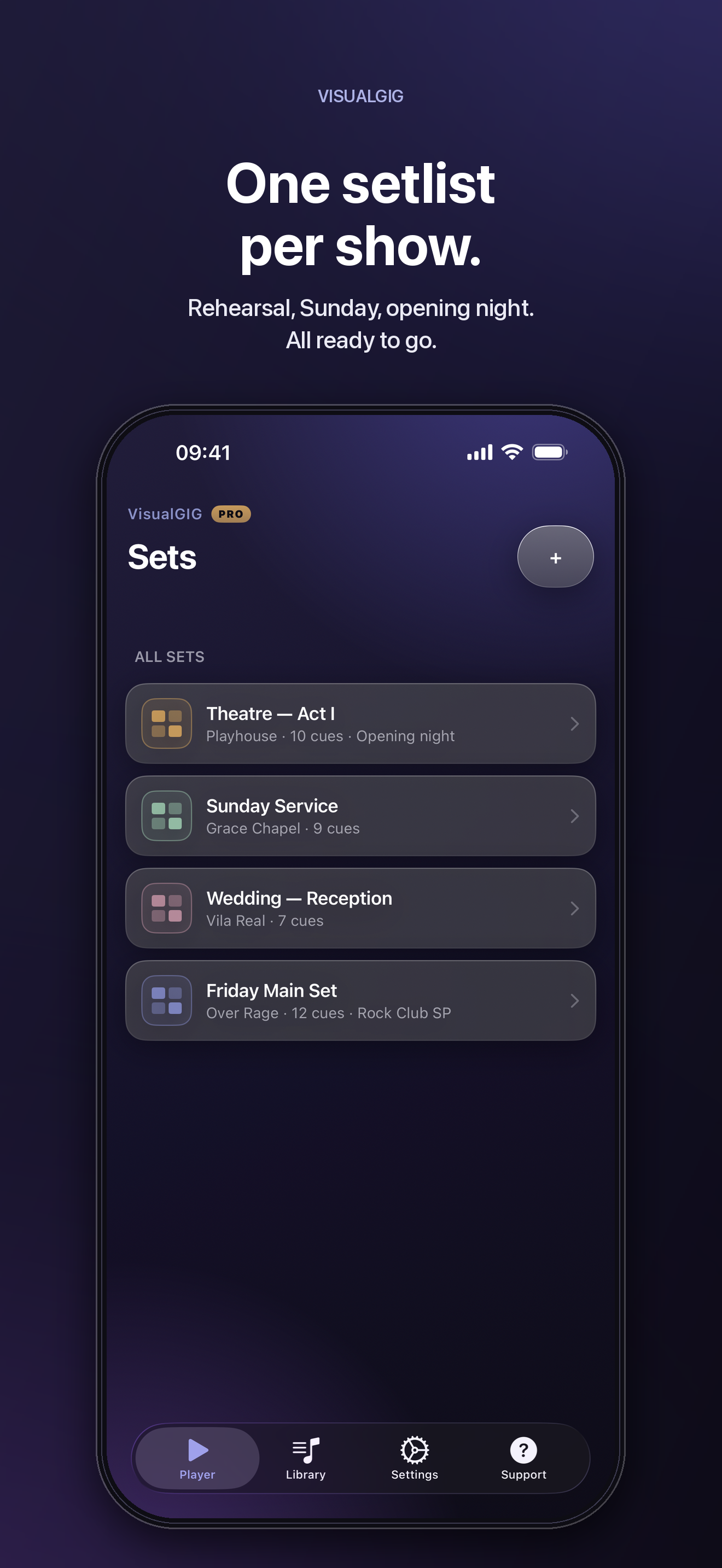
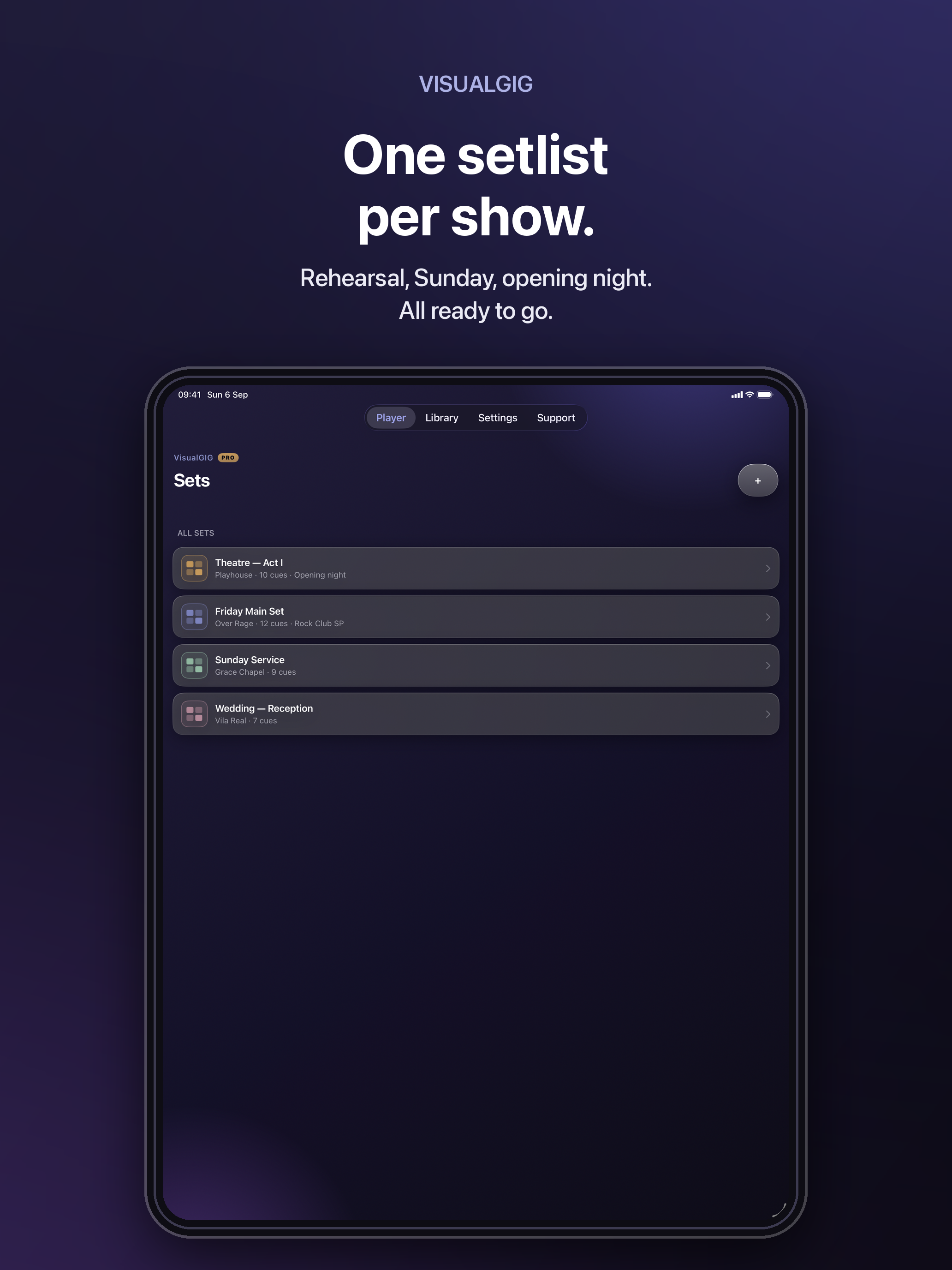
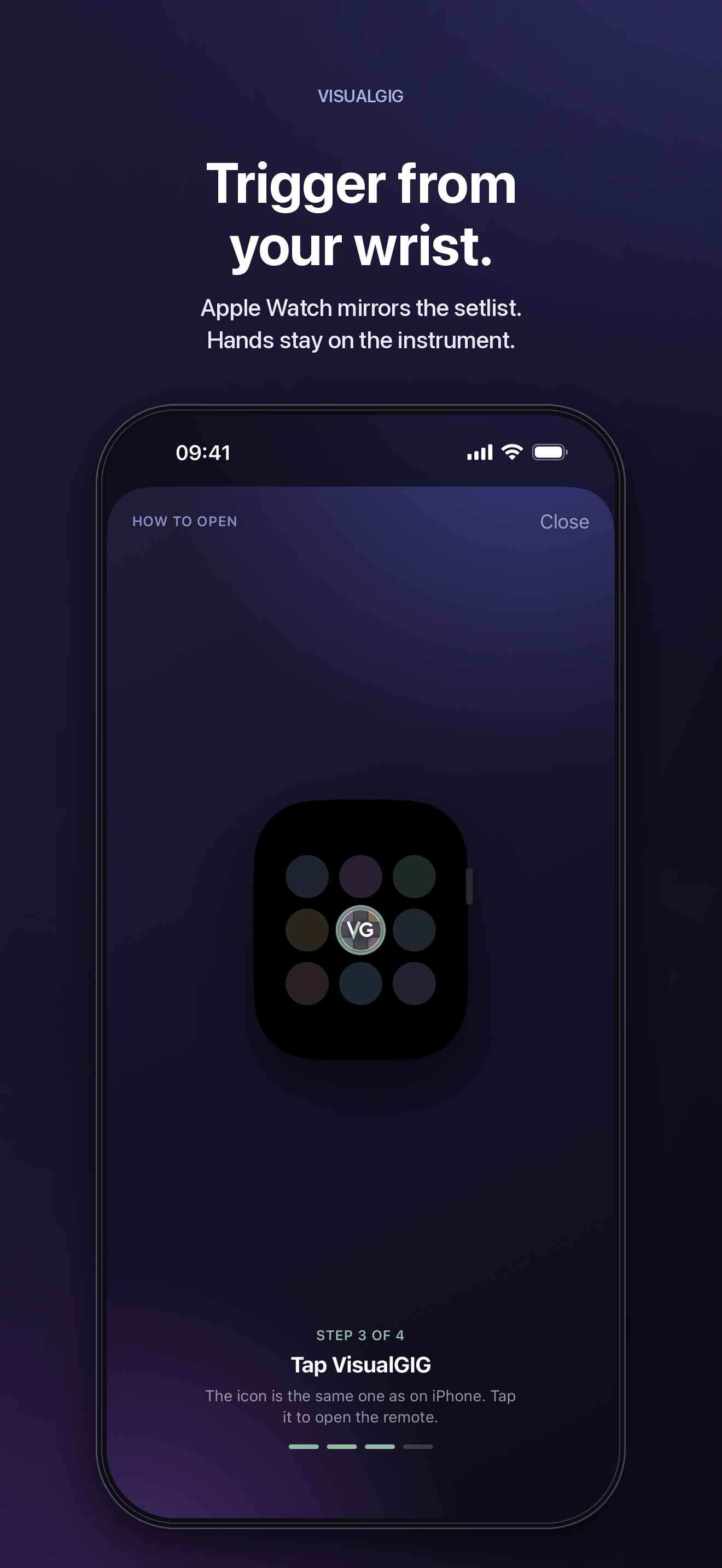
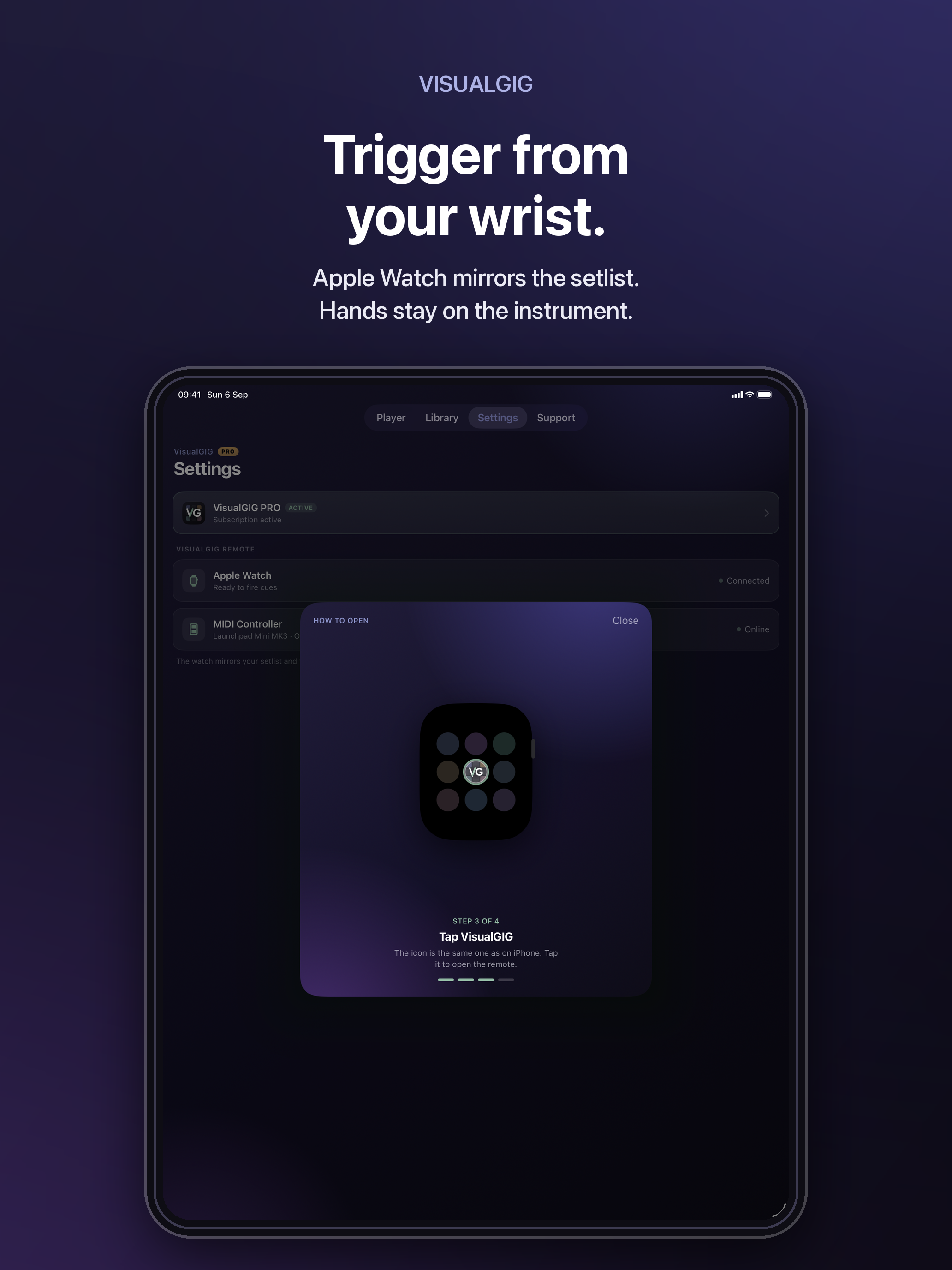
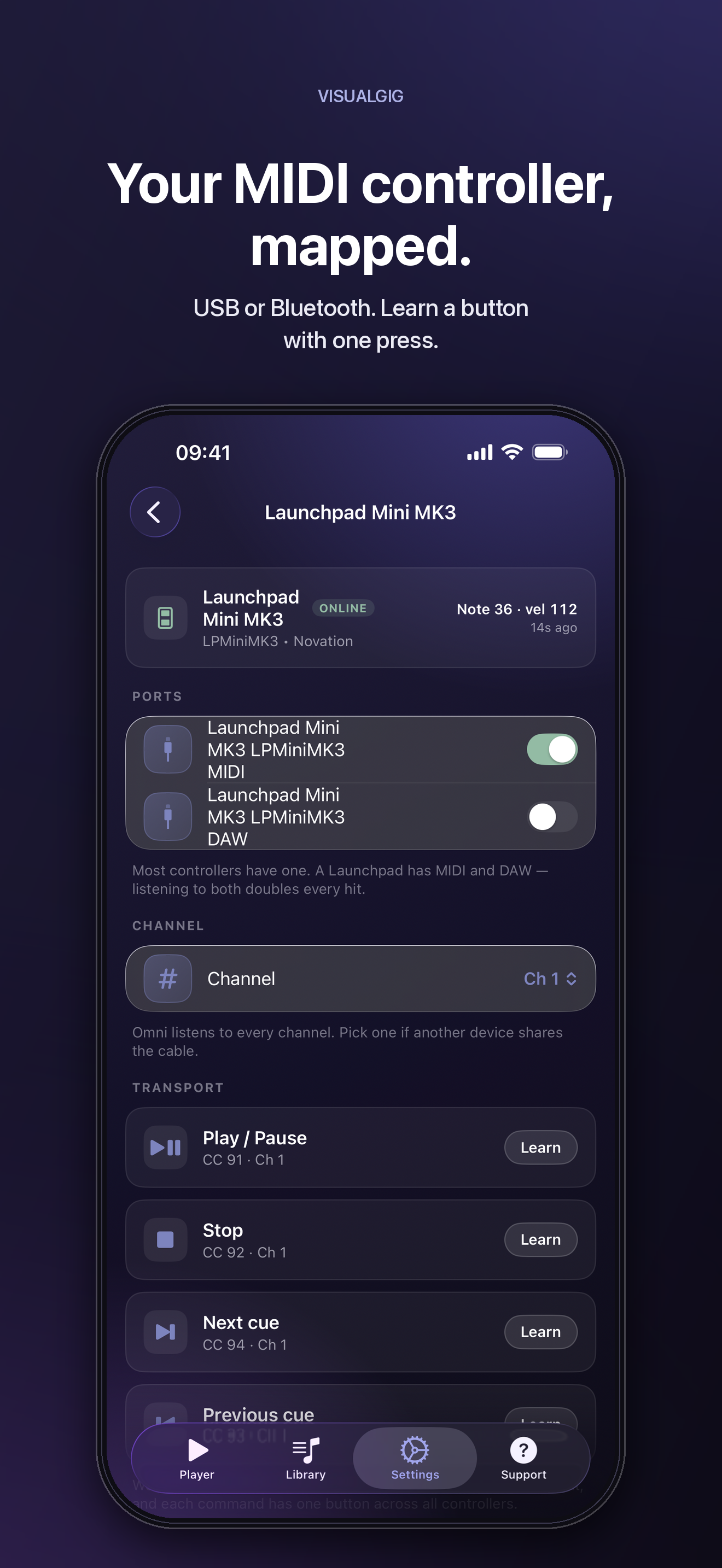
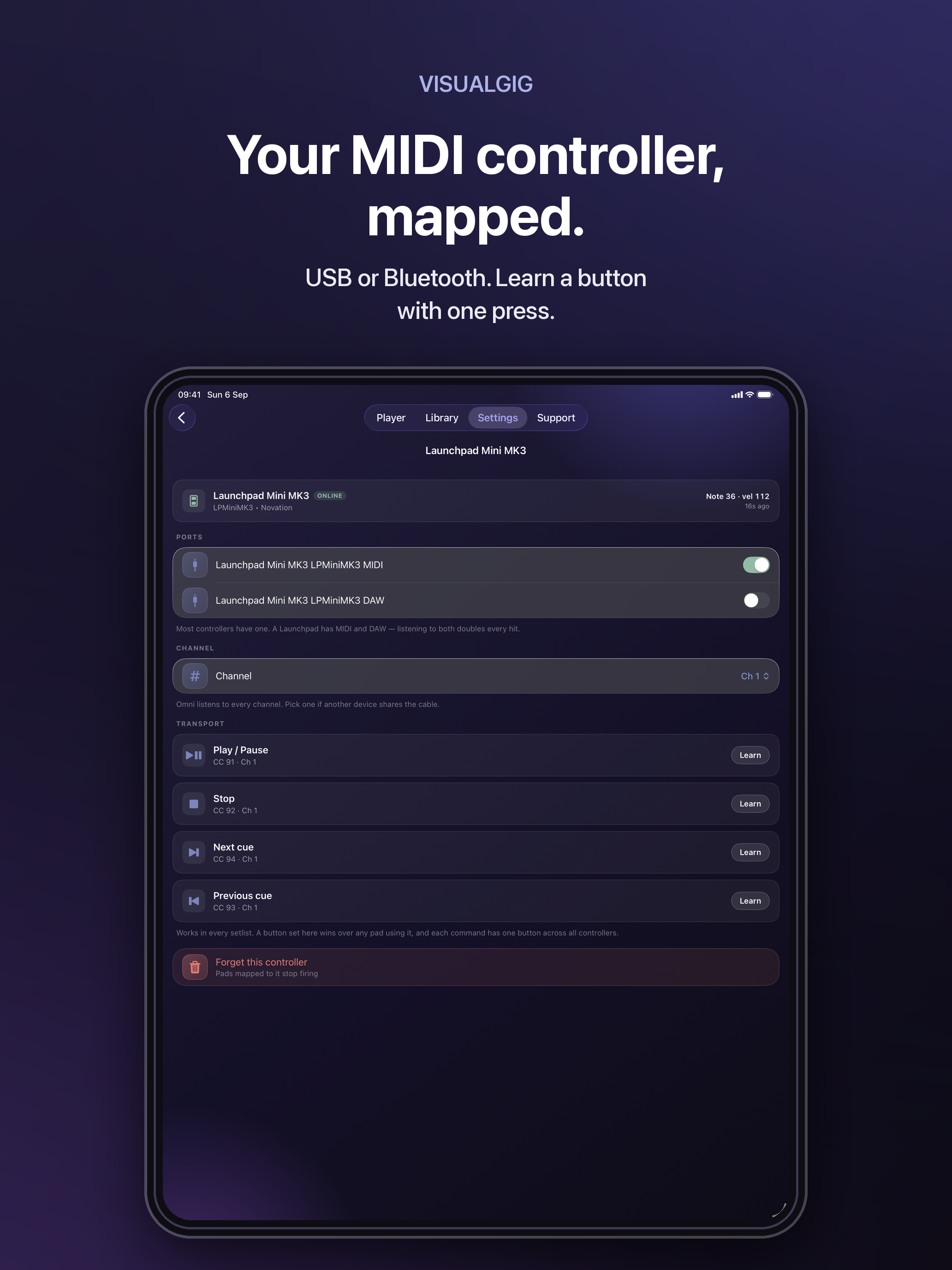
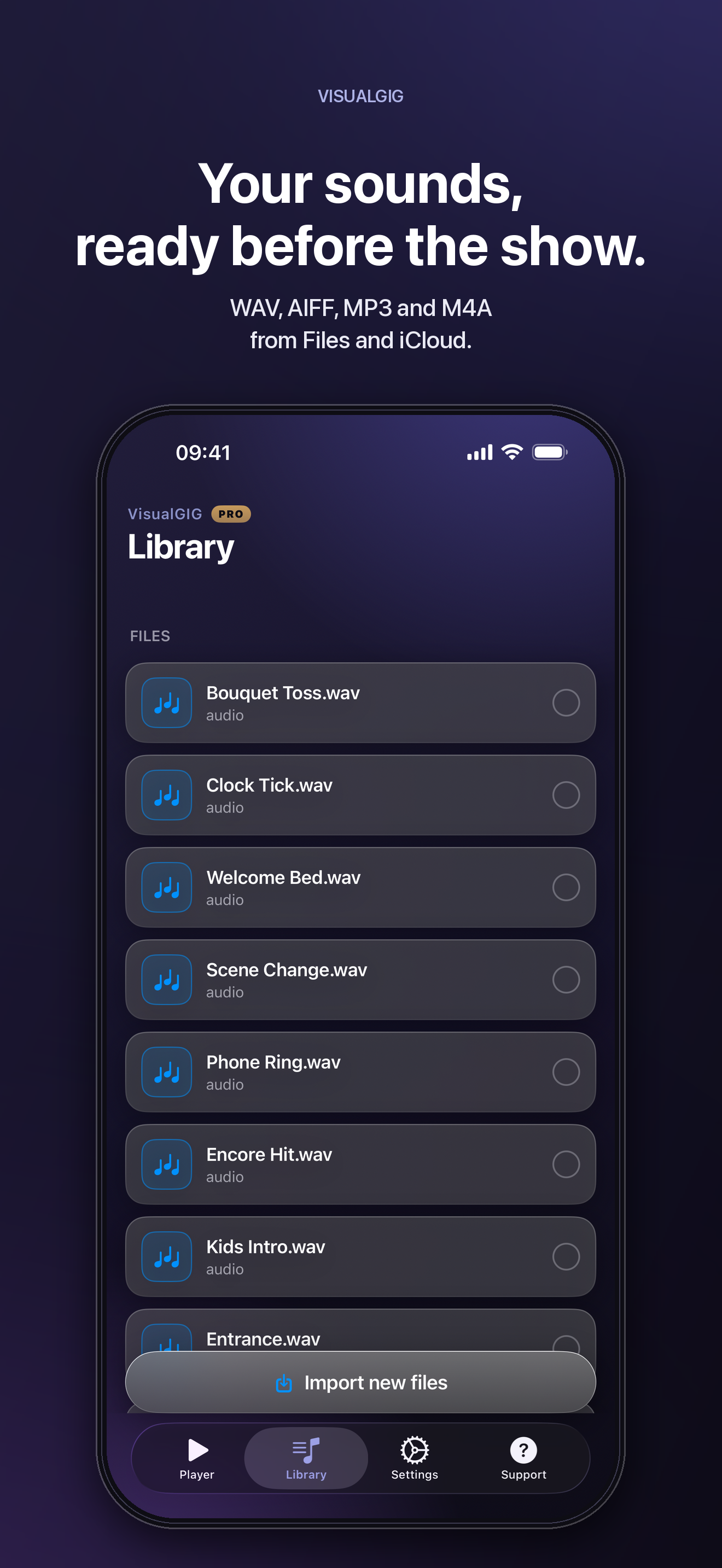
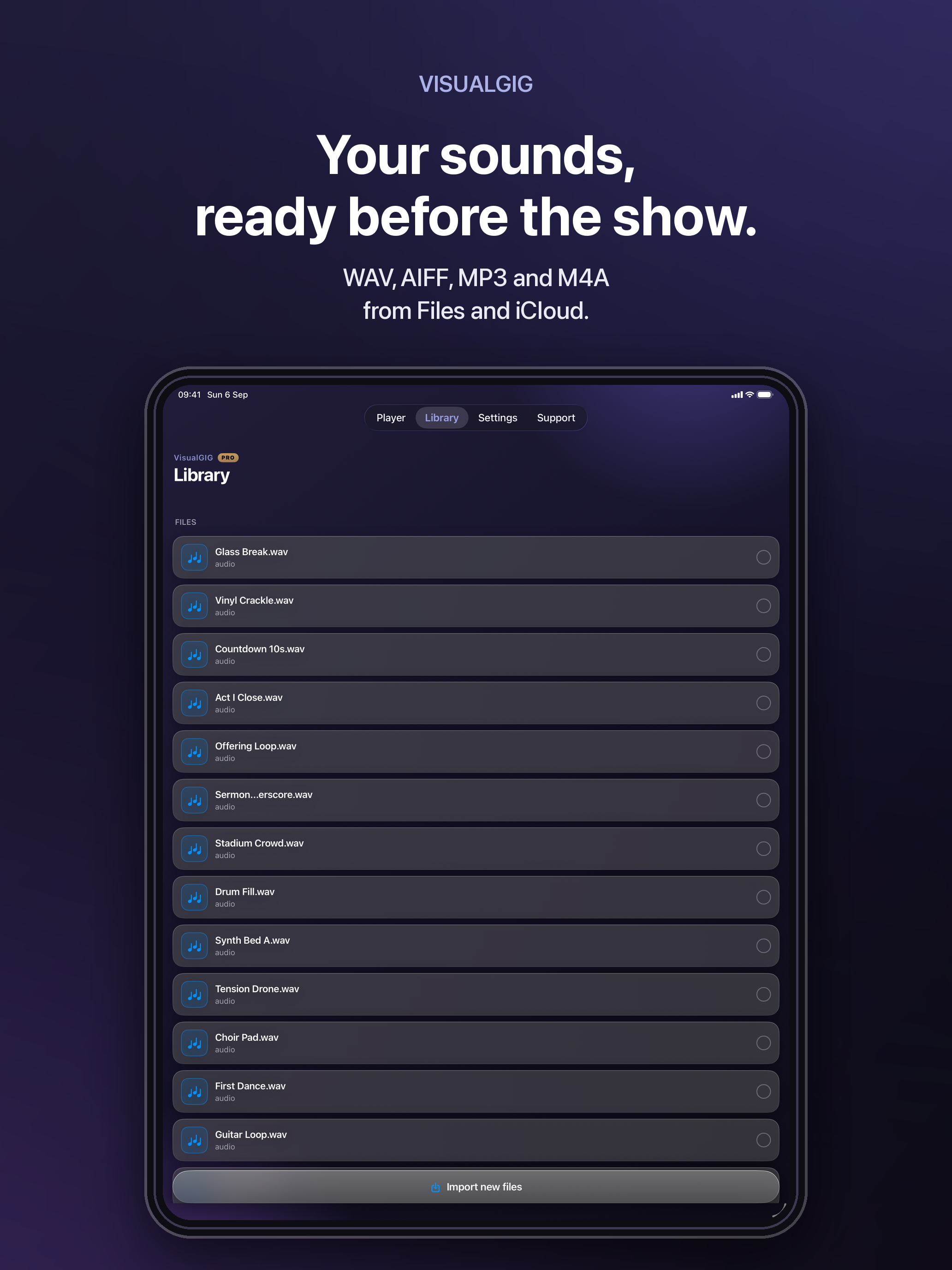
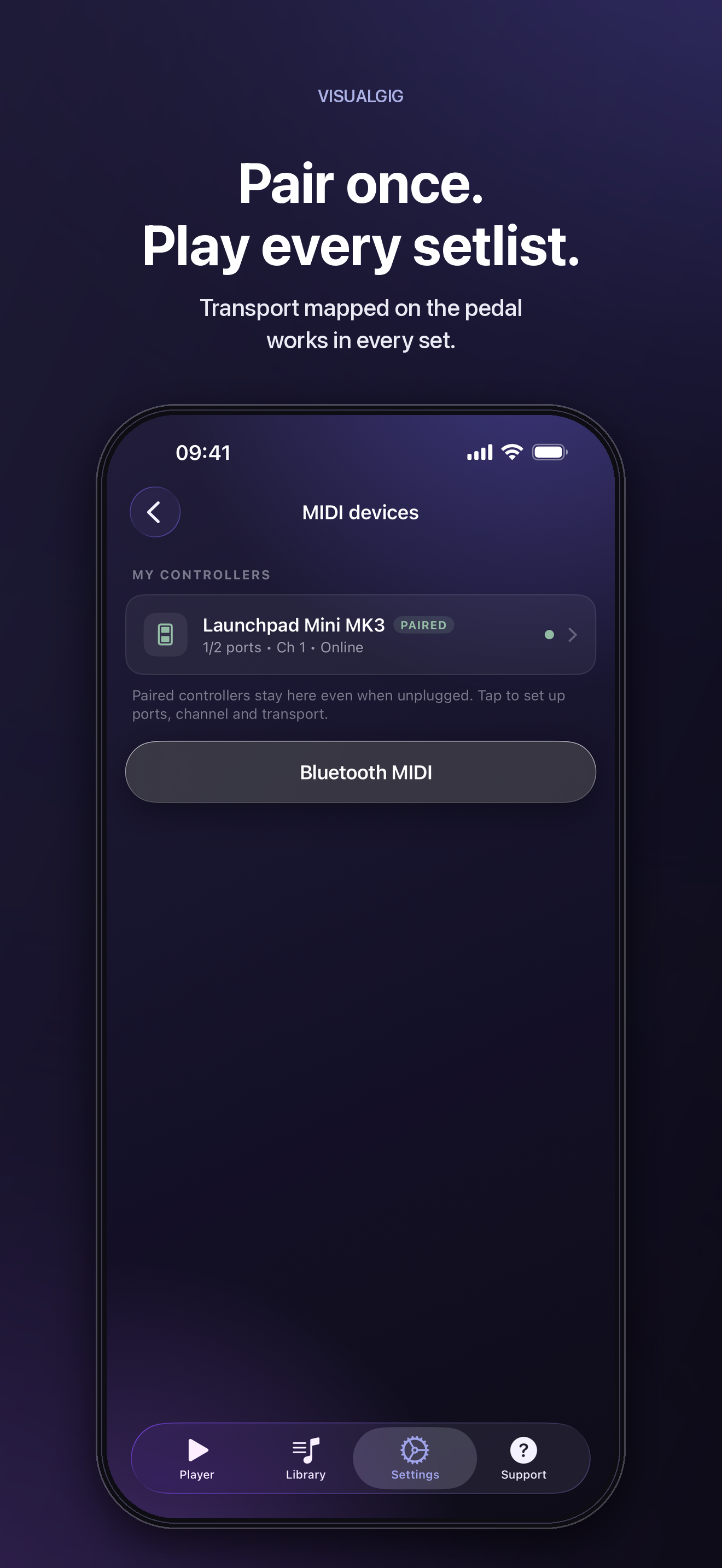
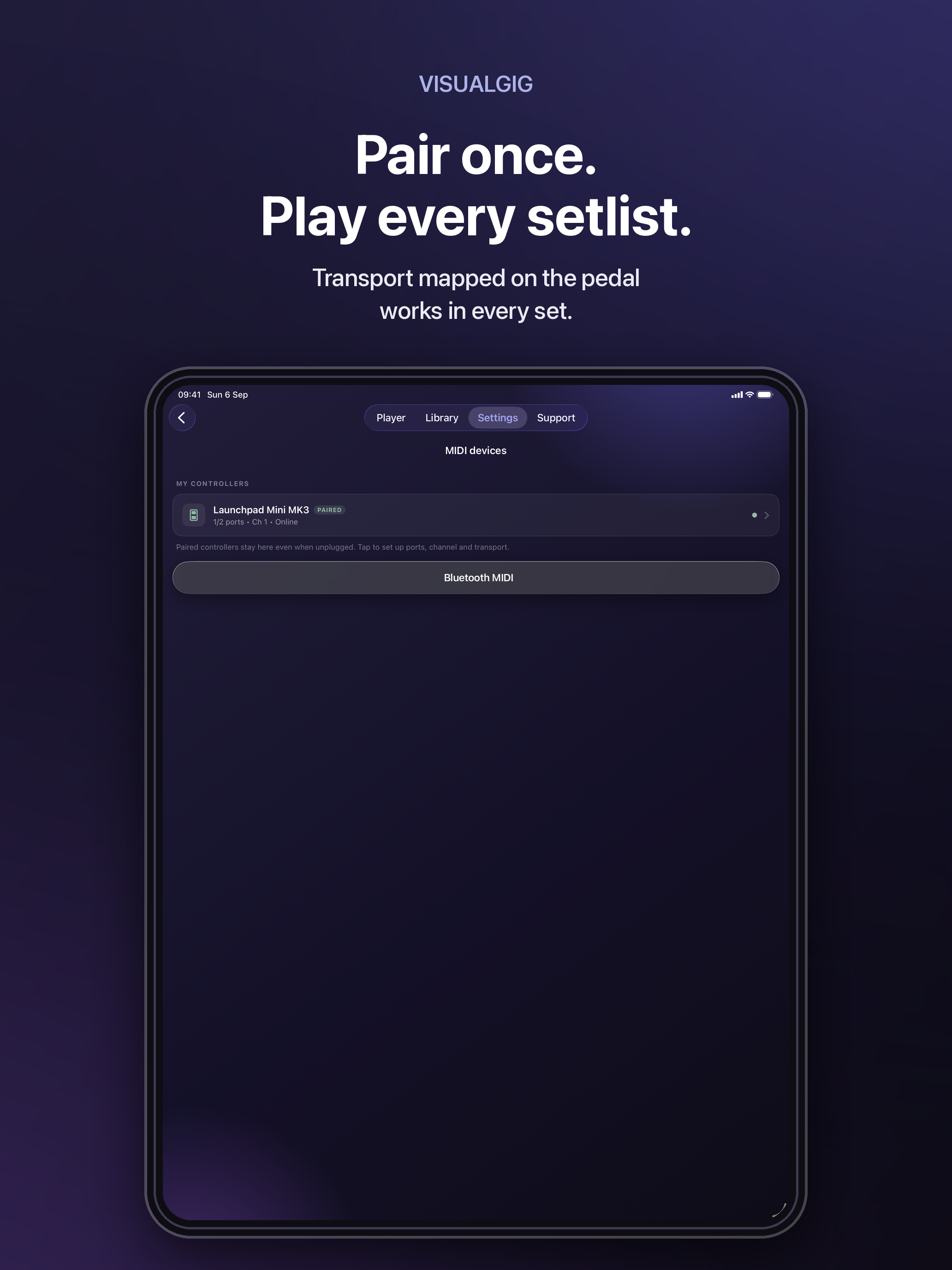
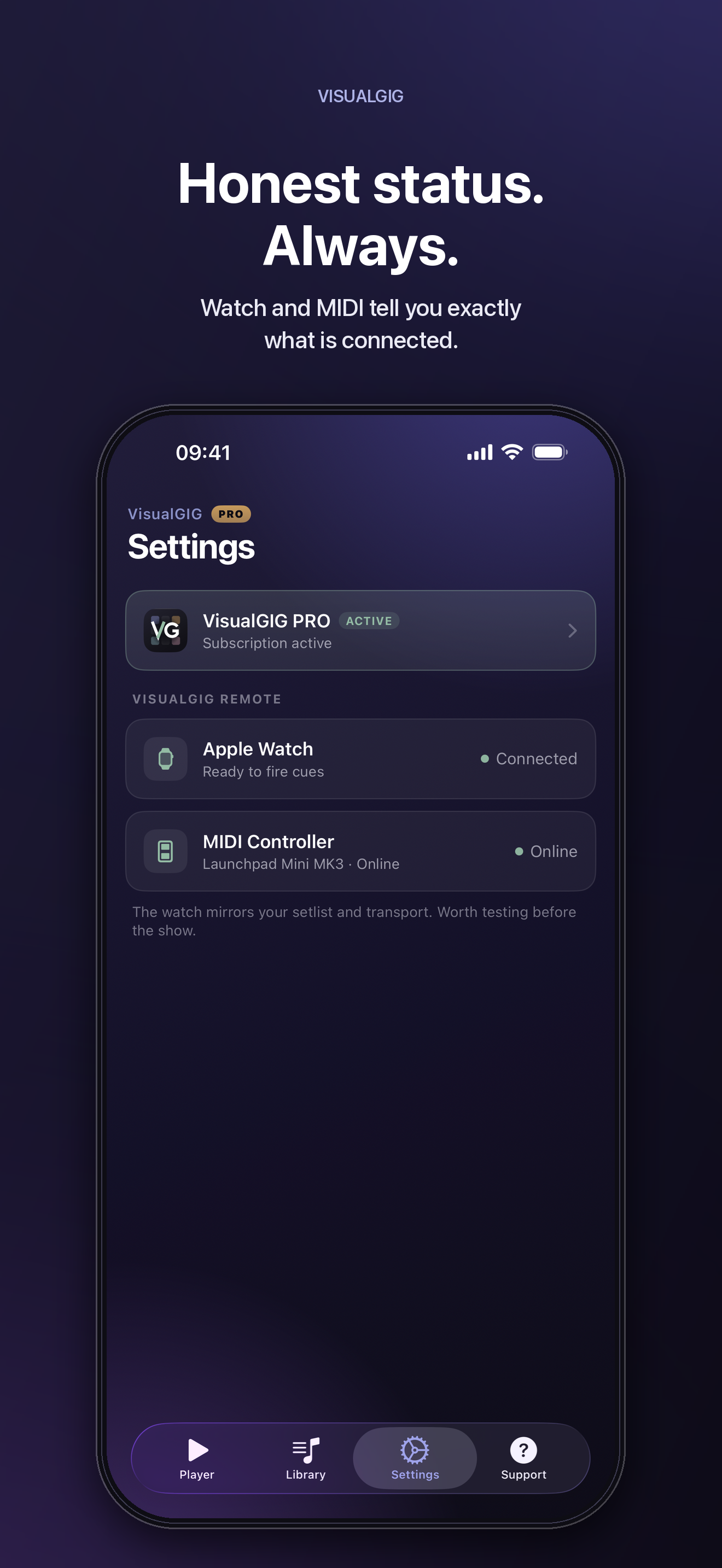
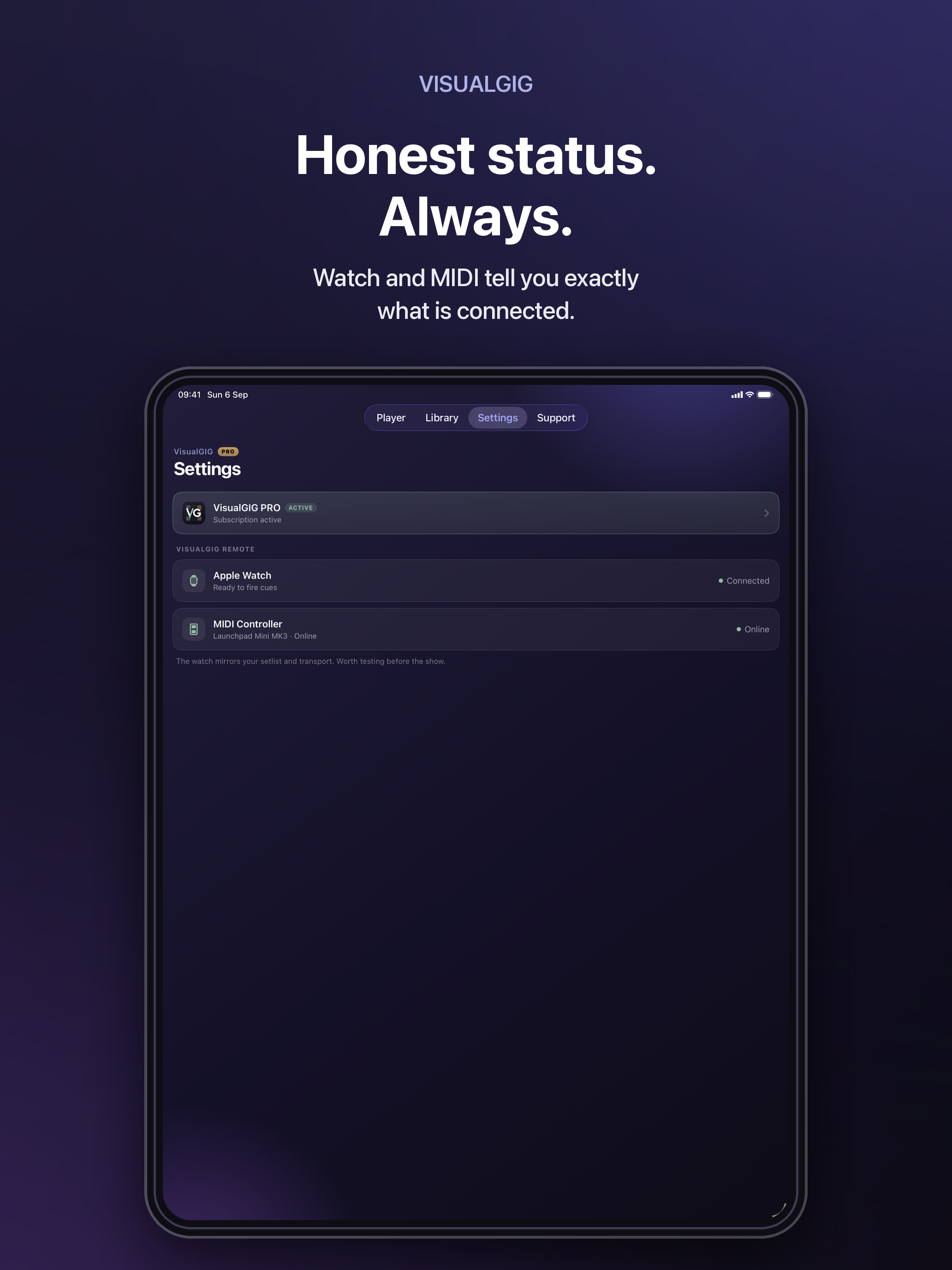
Screenshots, version 1.2
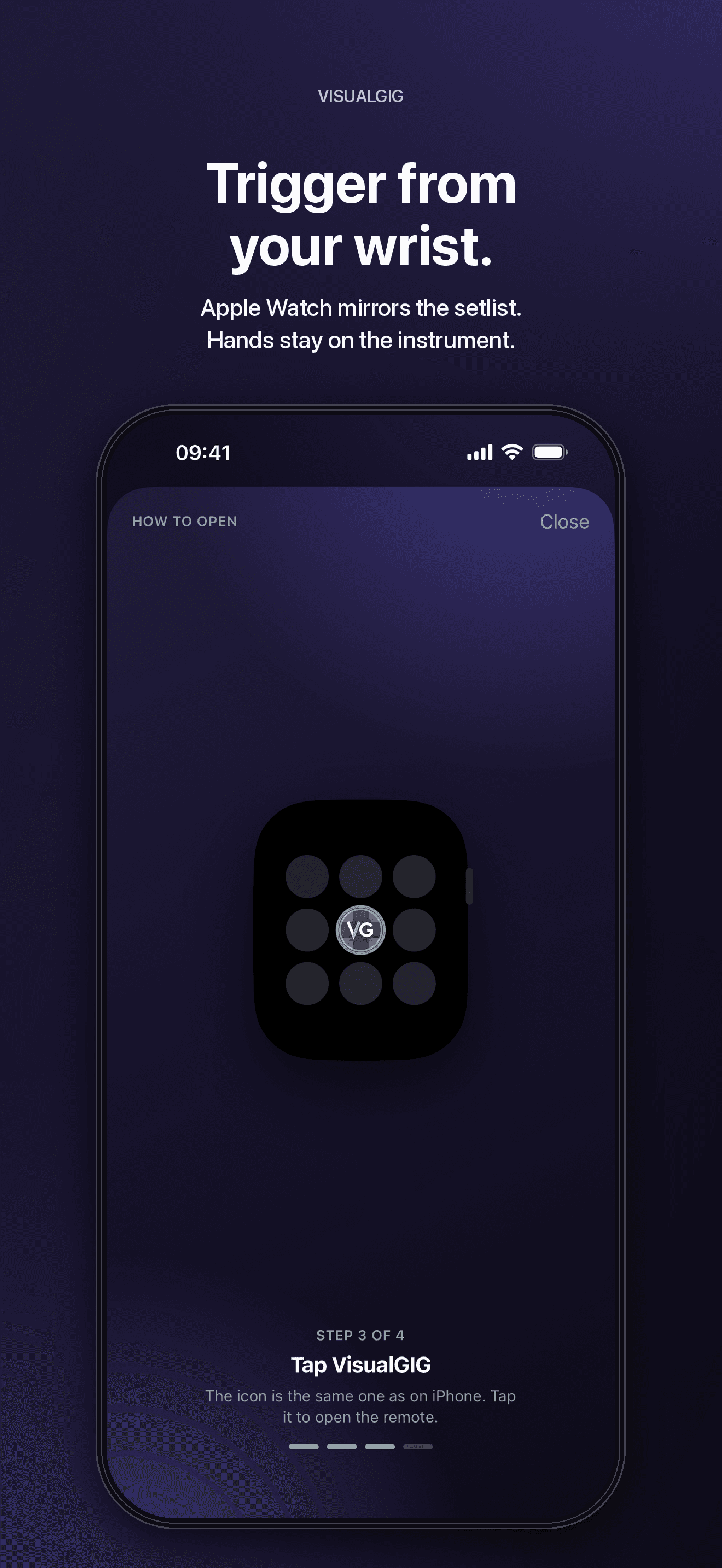
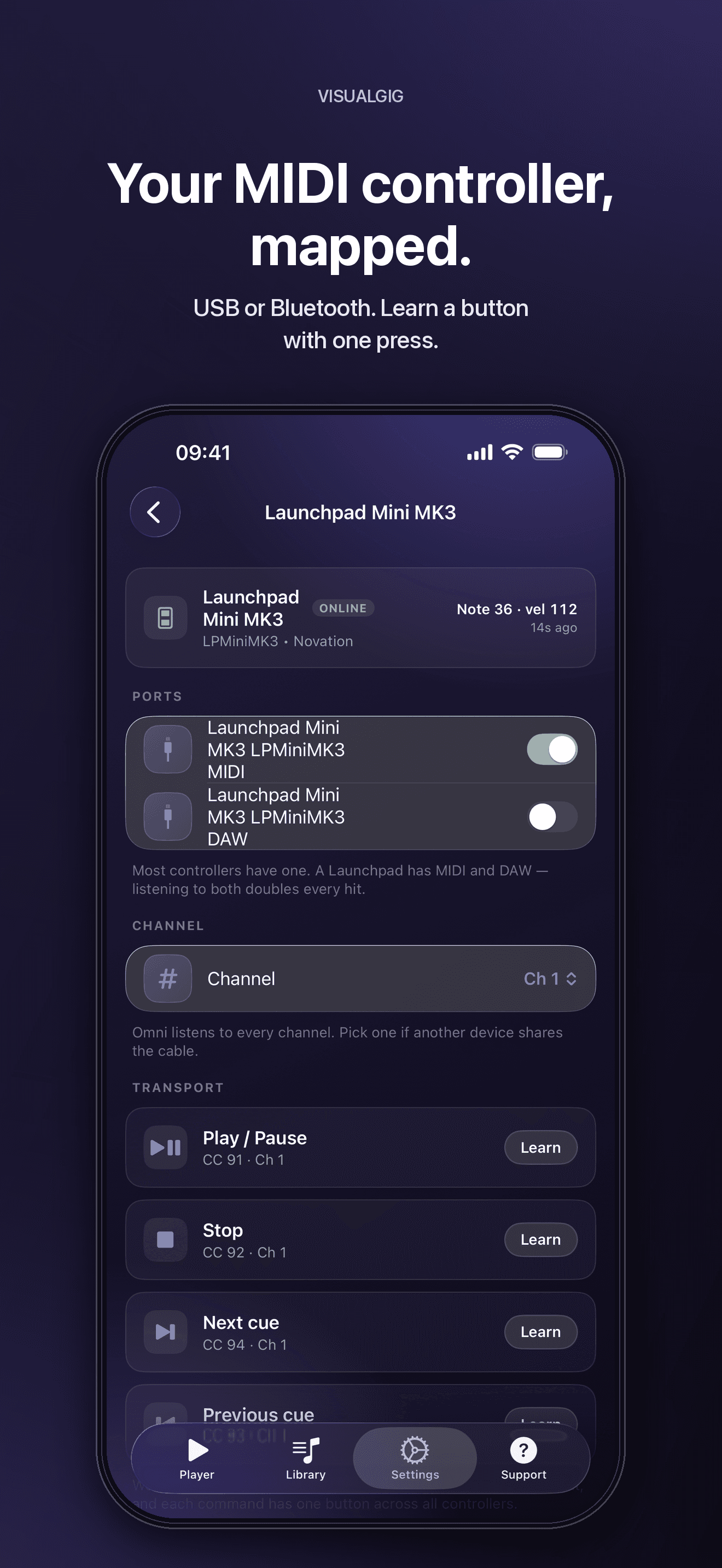
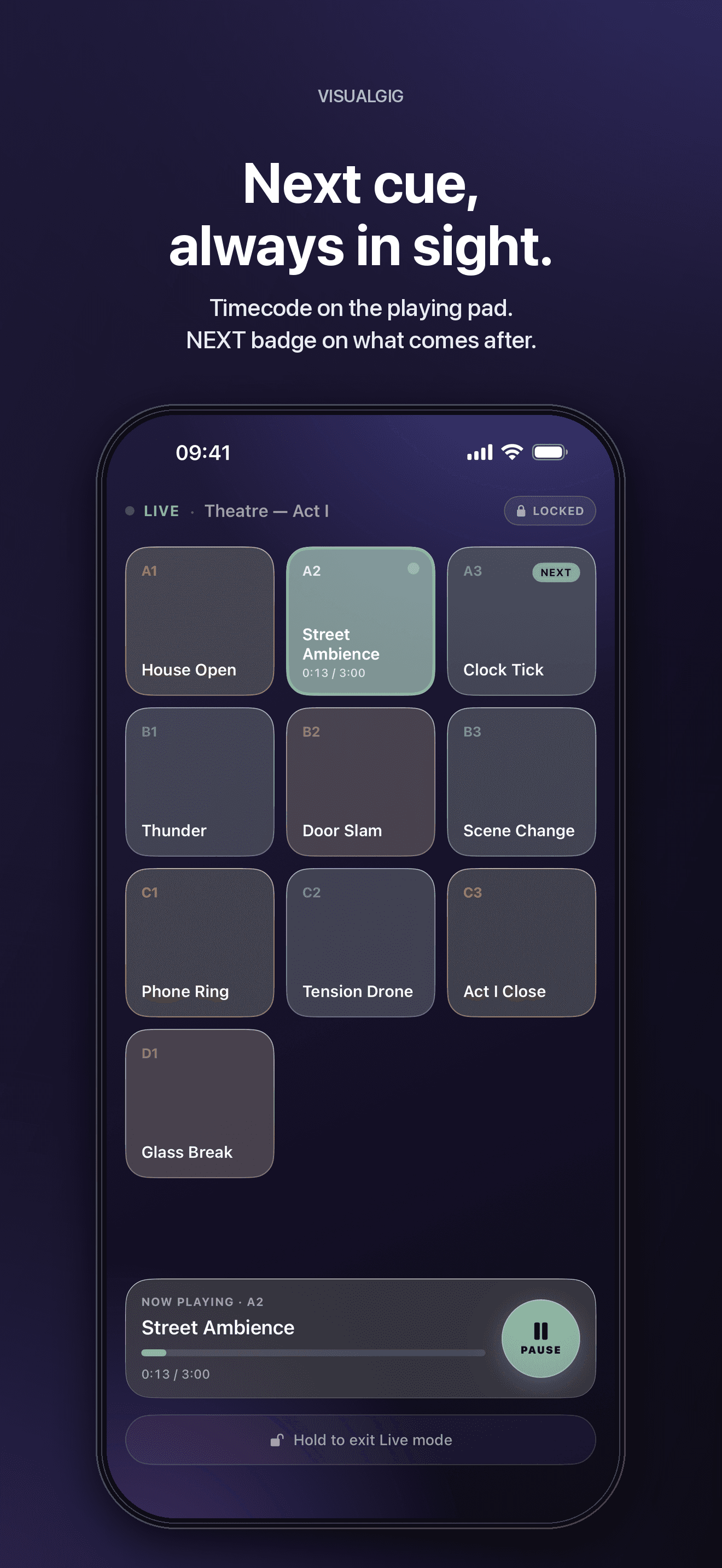
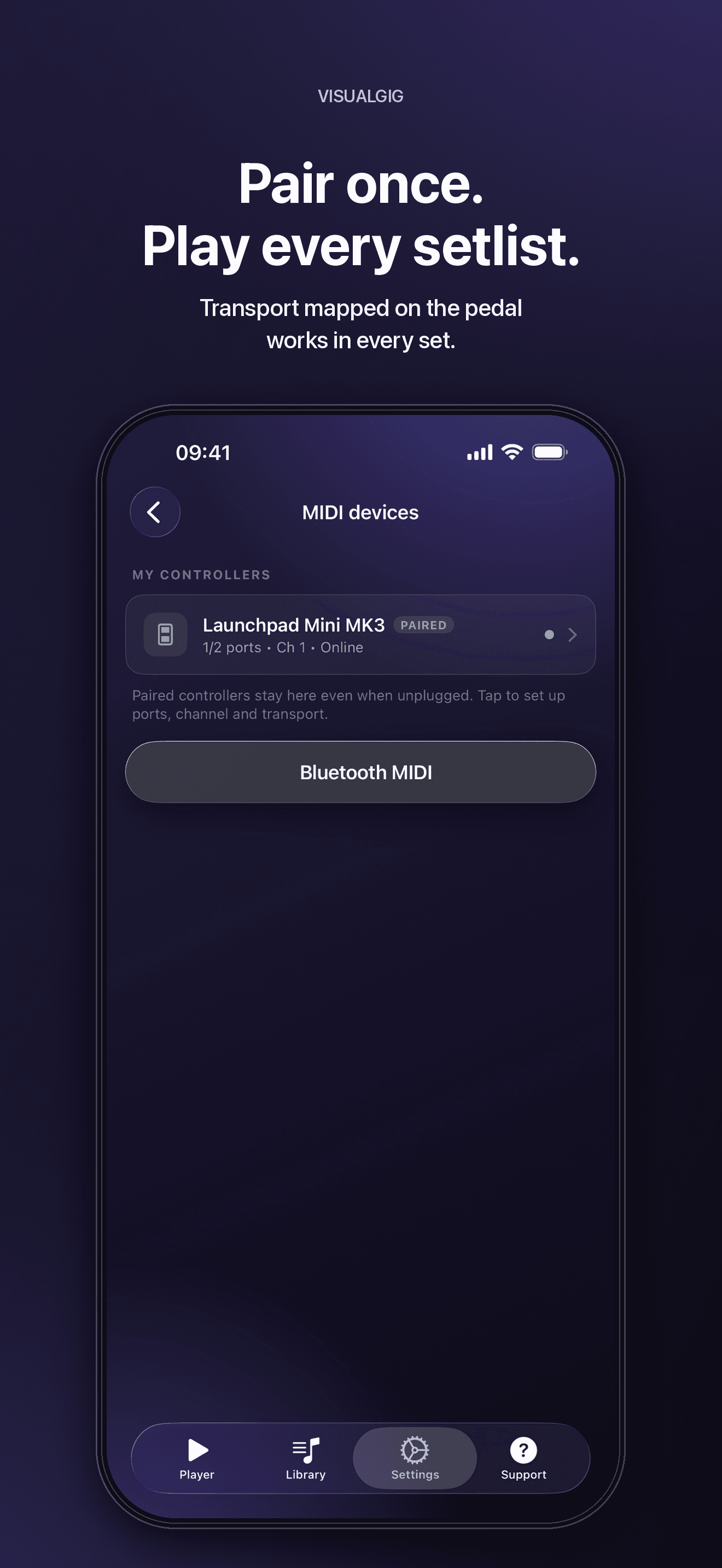
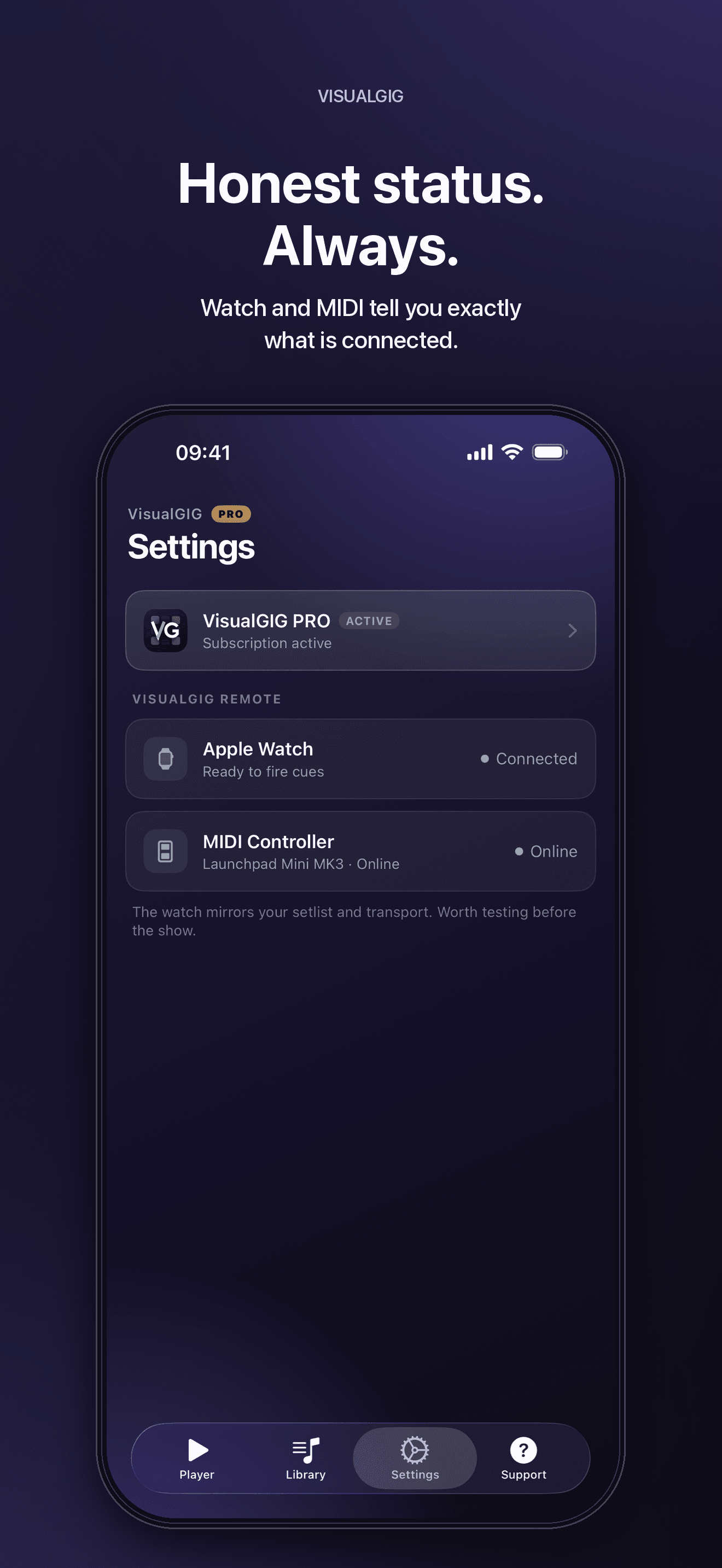
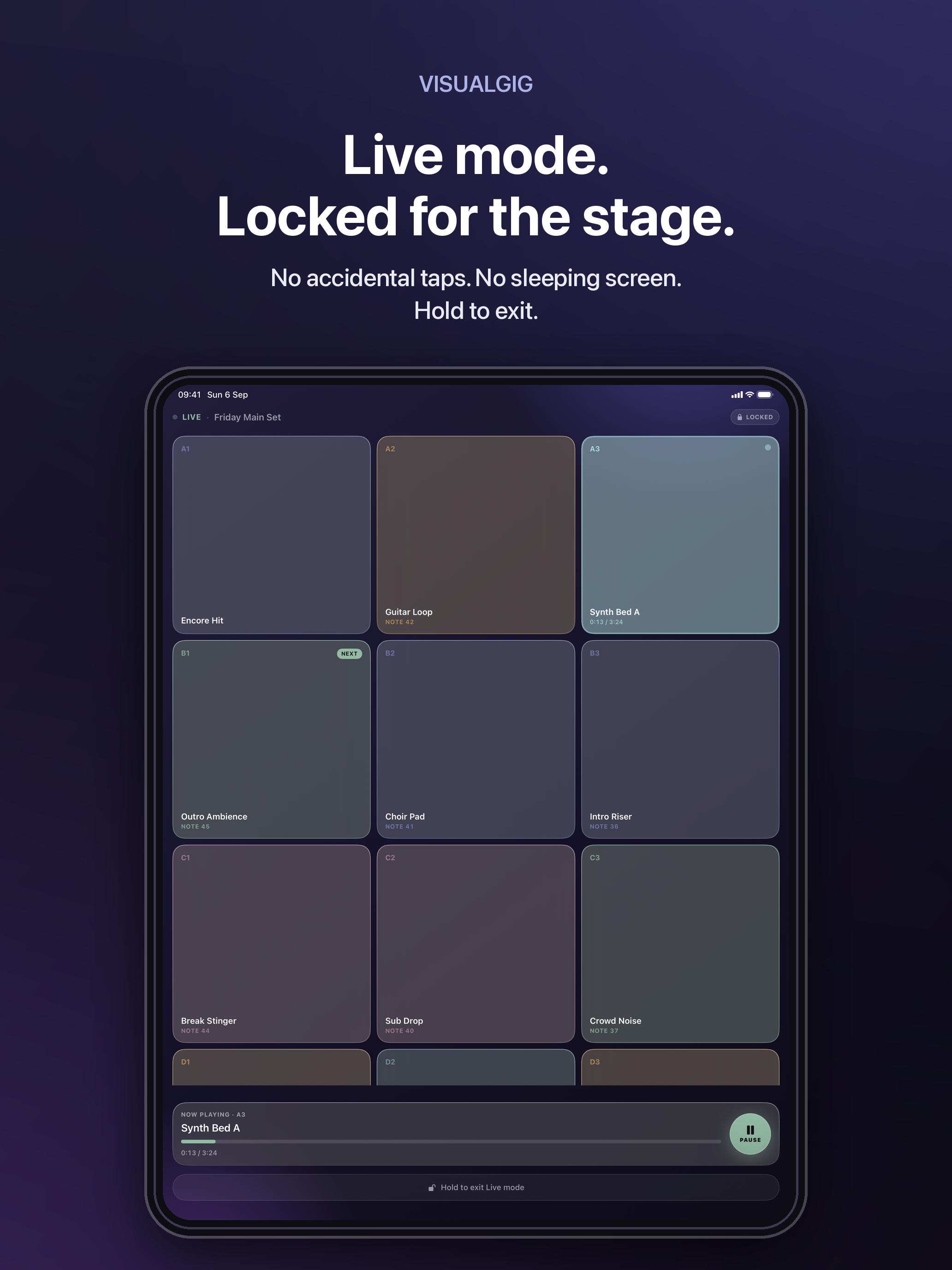
iPhone captures of the current release. iPad versions of the same ten screens are linked under each one.






Films
Two ads and a long demo, 9:16, in English and Portuguese. Download links under each one.
Typography
SF Pro, used as the system font. It is not distributed with these assets — Apple’s licence does not permit it. Inter is the approved open substitute on non-Apple platforms.